Step 2 (optional): Configure the bot
This section is targeted at experienced discord guild owners who are migrating from another user verification/age verification method. For newly started guild owners or guilds with no previous user verification mechanisms, we highly recommend going directly to step 3 and utilize our auto-configuration system.
Use the slash-command /configure to configure your bot.
/configure alone will show your current bot configuration and contextual help.
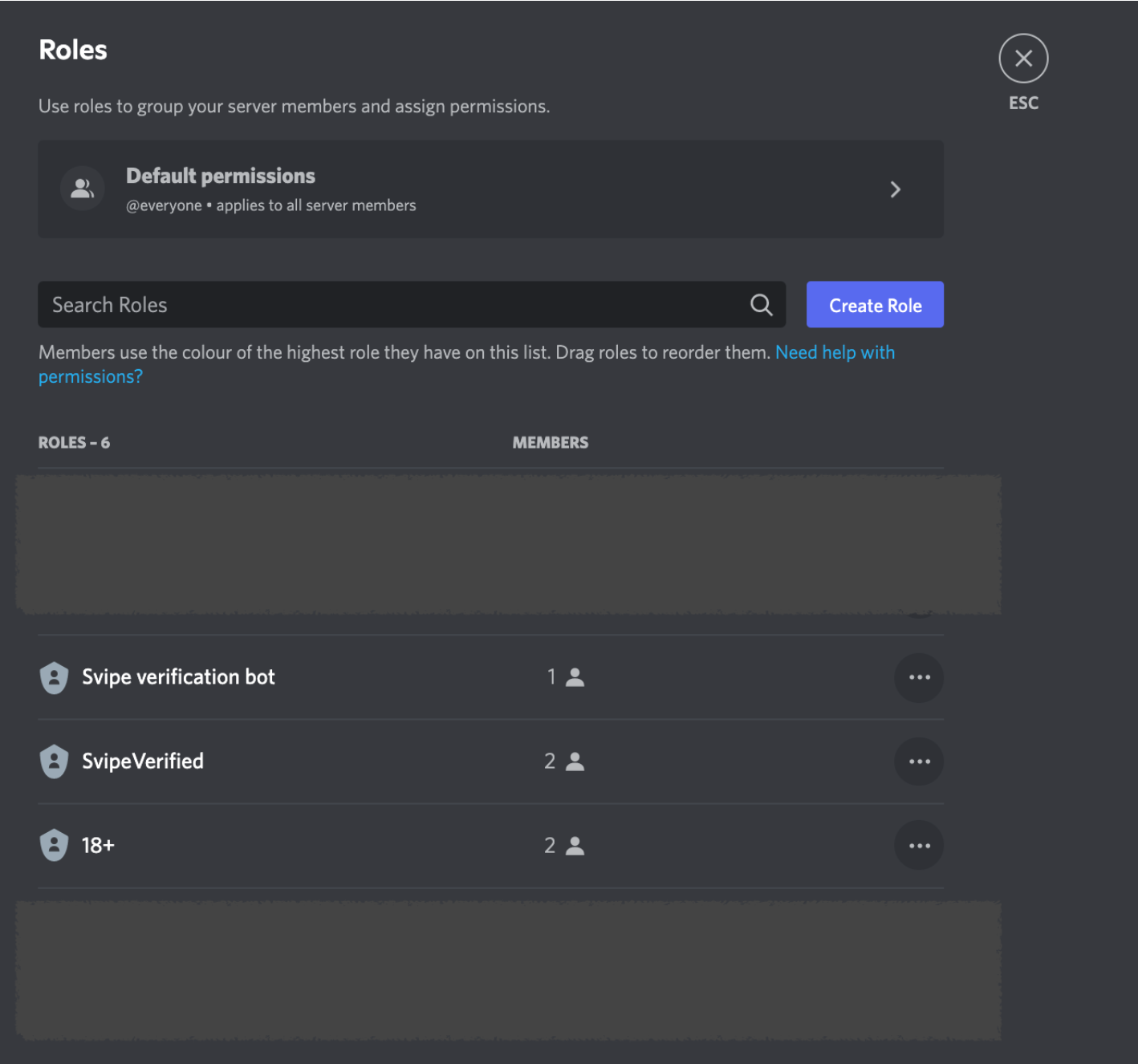
Important notes: If you have opted to remove the manage channel permission, you must configure an existing channel for the log_channel parameter AND the bot needs to be invited to it and have write permission to it. Enabling the bot will fail otherwise. If you want to configure already existing roles for the bot to use for the verified and 18+ users, the roles must be “below” the Svipe verification bot role (see example below). The bot can only manage the roles below itself, not the ones above.
When you are satisfied with the configuration, do /configure command:enable to start using the bot. This will auto-create missing channels or roles and verify required permissions. Upon success, the bot will be enabled for your guild. In case of errors, the bot will notify you and suggest possible actions to fix the issues encountered.